Angeló
 Fantastic Members
-
Joined
-
Last visited
-
-
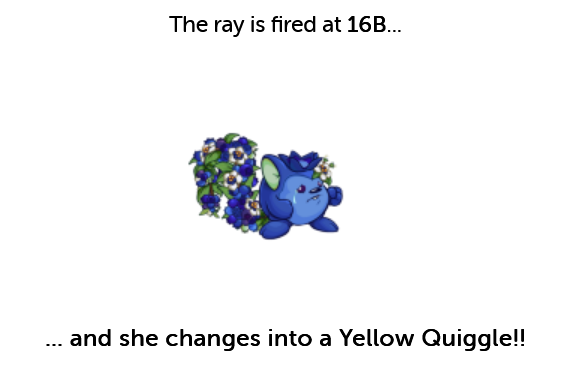
Whoa... did it actually work? Sure looks like it. Your Petpet has been transformed. Imagine that. Whoa... did it actually work? Sure looks like it. Your Petpet has been transformed. Imagine that.
-
Whoa... did it actually work? Sure looks like it. Your Petpet has been transformed. Imagine that.

-
Whoa... did it actually work? Sure looks like it. Your Petpet has been transformed. Imagine that. Whoa... did it actually work? Sure looks like it. Your Petpet has been transformed. Imagine that.
-
Holy cow! Is that a special Petpet? It surely is. You're quite the lucky one.
-
https://pets.neopets.com/cp/s6qtw7wt/1/2.png
-
-
Day 11 (Final Day) 25k 25k looooooooool
-
Day 10 25k +5 Level
-
Day 8 Balmy Summer Picnic Background (NC item) You found an avatar! Yay! TCG - Return of Dr. Sloth Champion Day 9 Fiery Doughnutfruit Phear
-
Day 6 25,000 NP Maraquan Draik Cloak Day 7 25th Anniversary Petpet Paint Brush Super Attack Bacon
-
Whoa... did it actually work? Sure looks like it. Your Petpet has been transformed. Imagine that.
-
Whoa... did it actually work? Sure looks like it. Your Petpet has been transformed. Imagine that.
-
Day 5 Zafara Double Agent Stamp Shenkuu Garden Wig (NC item)
-
Whoa... did it actually work? Sure looks like it. Your Petpet has been transformed. Imagine that.Day 4 Sparkling Acara Shield darkinvention has increased his strength by 10. It looks like all that wheel spinning has paid off!