granny63020
Super Members
-
Joined
-
Last visited
Everything posted by granny63020
-
-
-
-
1. 2.


-
-
-
-
-
-
-
1. 2.
-
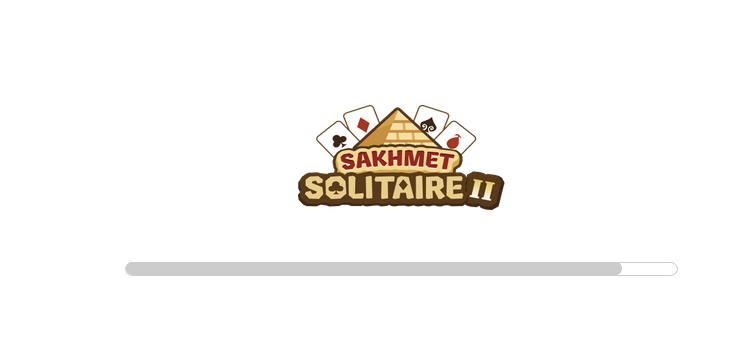
I never play neo anything on my phone. I tried to load it again about 5 minutes ago.Same thing happens I see the loading bar and it is almost to the end but still not. I am going to screenshot and post so you can see. Maybe that might help. You looks the bar is almost finished. I have tried refreshing and that doesnt help either. If you have any ideas of what I might try please say so. I dont do neo on my phone so I wont be doing that.
-
I did view the guide but I still have a problem with the game loading, It comes close but no cigar. Your suggestions are welcome. Please and Thank you!
-
Black Pawkeet
-
-
2. 3.



-
-
2. 3.

-
Sakhmet Solitaire

-
-
Black Pawkeet
-
-
-
8. 9.


-
6. 7.