granny63020
Super Members
-
Joined
-
Last visited
Everything posted by granny63020
-
Sakhmet Solitaire

-
-
3. Legretta_Abyss's gained 2 strength points and 2 levels! 4.

-
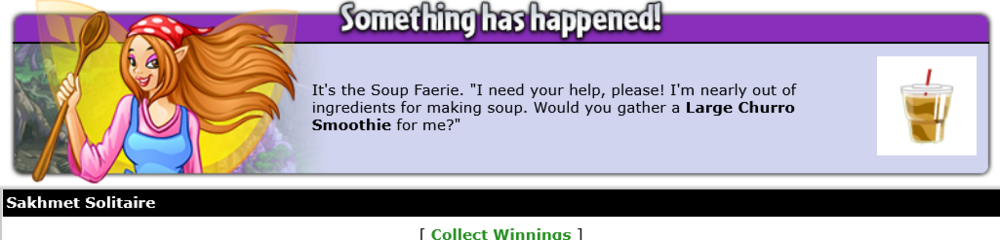
2. You are currently on a quest for a Dark Faerie. Return to Faerieland when you've found what's required. For your efforts, Legretta_Abyss's health has increased!

-
I don't mid the hit points. Ijust don't like being deceived. If it says the hit points are 1600 then that's what it should be, (not 2800). Nothing I could do to change it. I finally got the stamp album piece I was battling for. Thanks for your input. Always a big help when I need advice. Enjoy the rest of your weekend.
-
-
-
-
-
3. Overstuffed Spardel Plushie Handheld

-
1. 2.


-
-
Treasure of the Black Pawkeet

-
OK Just thought I would let you know I finally got that stamp album from King Skarl. I fought him everyday up until I got the item today. It's says his fight points is 1600 BUT when you go to fight him his start points are 2800. What trickery neo is pulling, I need only fight him again if I wnt to try for another.
-
-
Sakhmet Solitaire
-
-
-
1. 2. For your efforts, Legretta_Abyss's health has increased!


-
1. For your efforts, Legretta_Abyss's speed has increased!

-
1. For your efforts, Legretta_Abyss's strength has increased!

-
Treasure of the Black Pawkeet

-
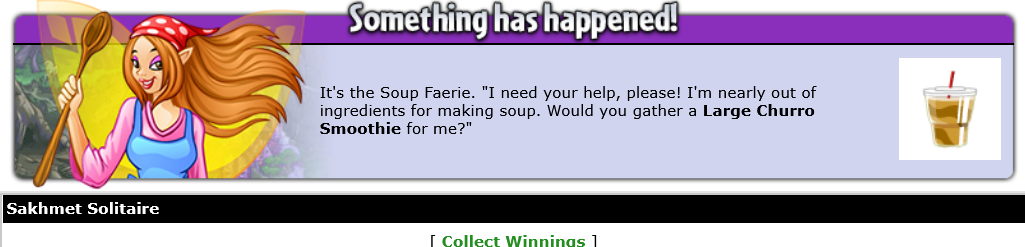
1. Wow, you did it! Now I can get back to cooking. Thank you so much for your help! Legretta_Abyss's gained 2 strength points and 2 levels! 2. For your efforts, Legretta_Abyss's defence has increased!


-
Sakhmet Solitaire

-