Skip to content
View in the app

A better way to browse. Learn more.

The Daily Neopets Forums

A full-screen app on your home screen with push notifications, badges and more.

To install this app on iOS and iPadOS
  1. Tap the Share icon in Safari
  2. Scroll the menu and tap Add to Home Screen.
  3. Tap Add in the top-right corner.
To install this app on Android
  1. Tap the 3-dot menu (⋮) in the top-right corner of the browser.
  2. Tap Add to Home screen or Install app.
  3. Confirm by tapping Install.

TheJoker

Members
  • Joined

  • Last visited

About Me

Name: Elijah (You can call me Trint if you prefer)

Favorite Color: Blue

Past Summer Jobs: Tutored 1st Graders to 6th Graders math in my neighborhood (2012)

Talent: I could bounce a balloon in the air without it touching anything (Besides my hand) while walking around for 10 minutes.

Favorite food: Burger

Why I chose TDN Forums: I signed up for the tdn forums to get latest help and to have fun. I am hoping to be a great help.


Funny (Edited) Stuff


This is what happens when TNT goes on vacation
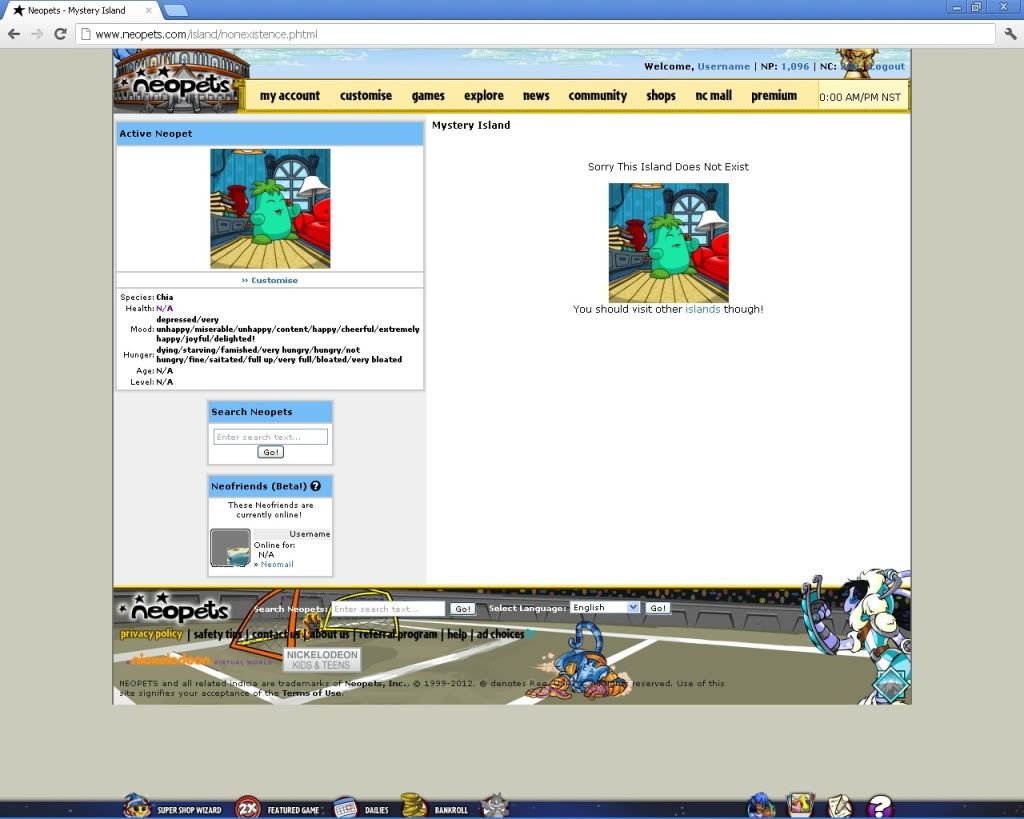
iqd8uq.jpg


Work for Dr. Sloth and you could get access too!
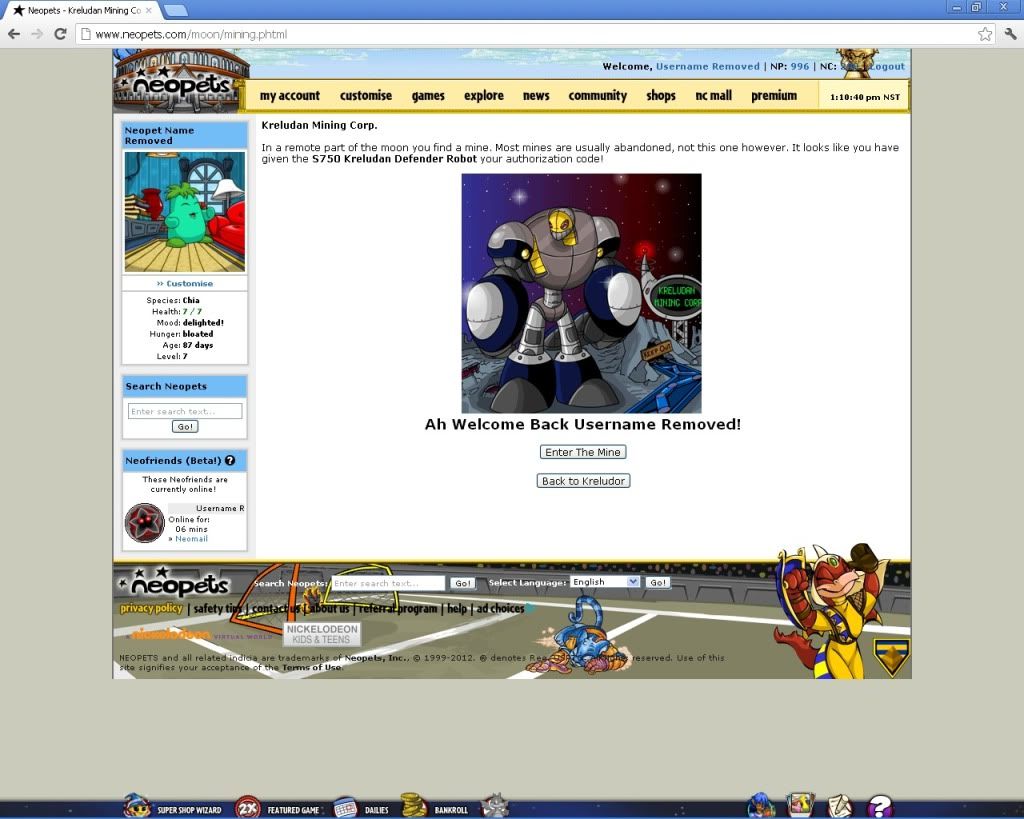
2cpuv74.jpg

This is what's behind the DFM pteri image!
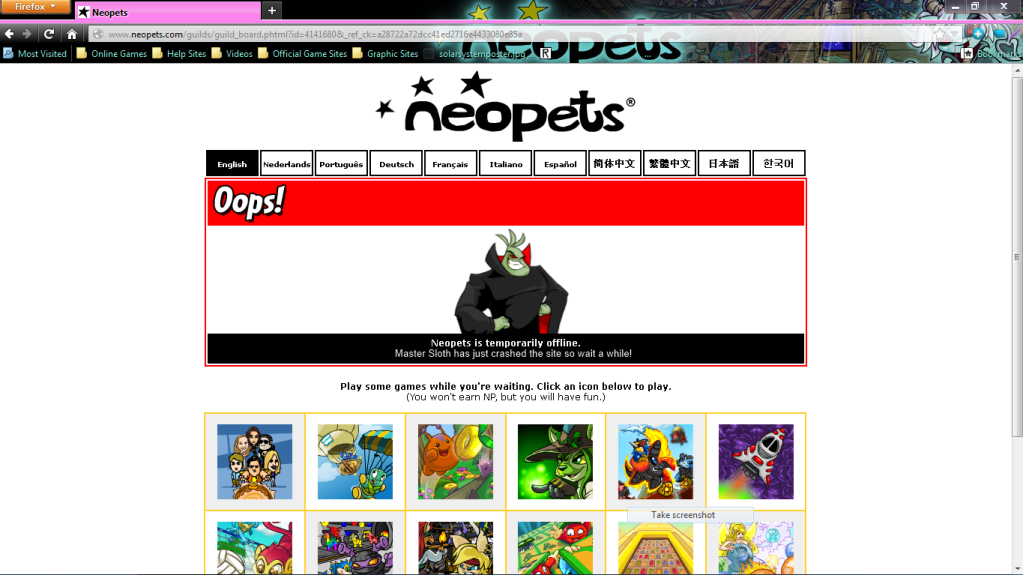
110gcq8.png

You shouldn't have done that! (My Personal Favorite)
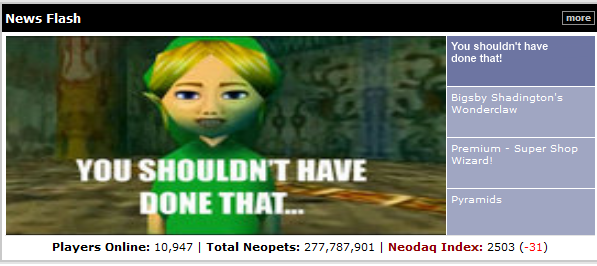
Screenshot_1_zps79a14862.png


I will add more stuff later.


Contact Info

My Email: Email me Here

Account

Navigation

Search

Search

Configure browser push notifications

Chrome (Android)
  1. Tap the lock icon next to the address bar.
  2. Tap Permissions → Notifications.
  3. Adjust your preference.
Chrome (Desktop)
  1. Click the padlock icon in the address bar.
  2. Select Site settings.
  3. Find Notifications and adjust your preference.